Operations & Delivery · 4 min read
Process Mapping Without the Wallpaper
Many process mapping exercises end with an enormous diagram that nobody looks at again. Done well, mapping is one of the quickest ways to find out why work is slow, costly or error-prone, and to fix it.
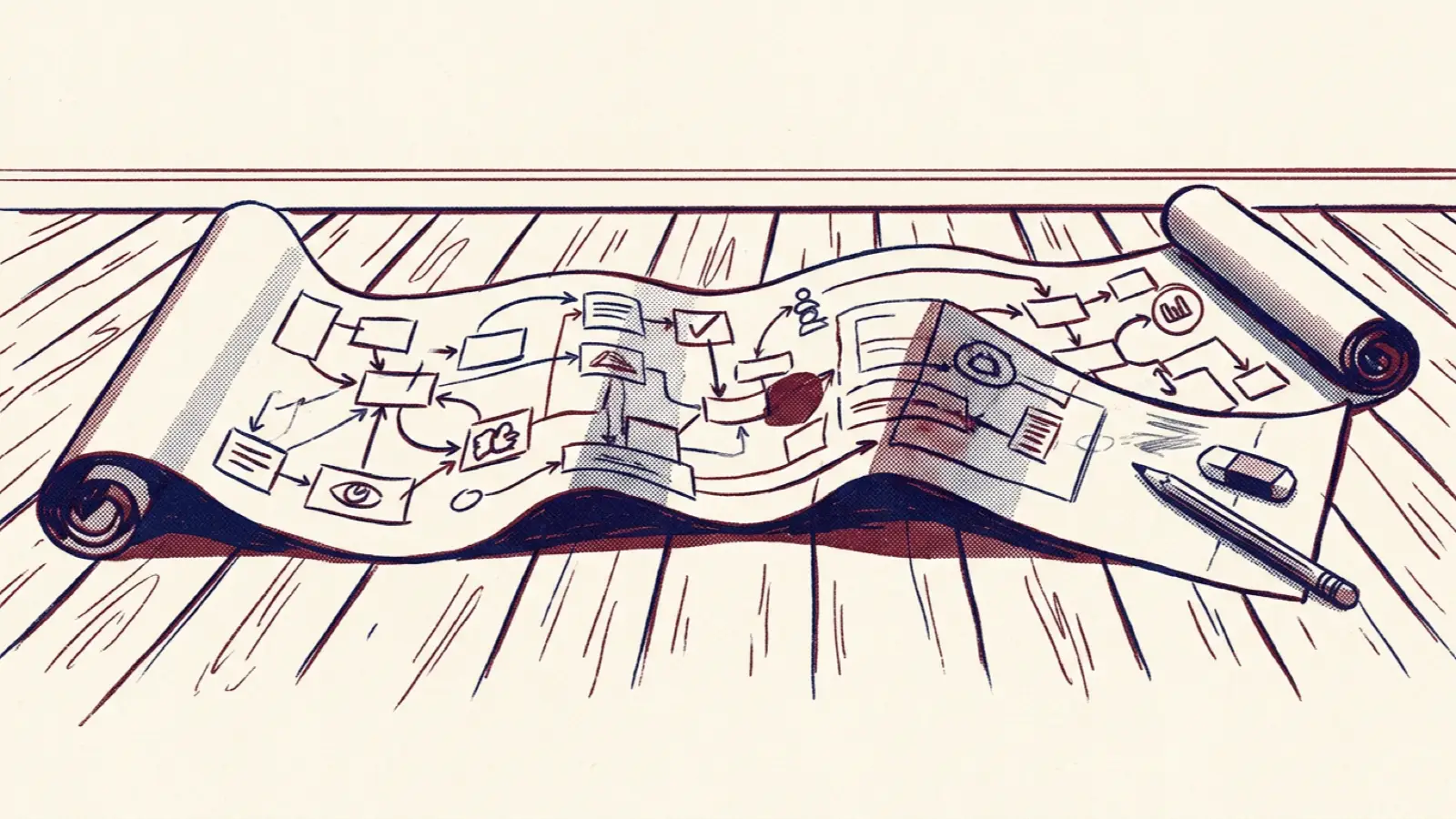
Process mapping has a mixed reputation. Done badly, it produces wall-sized diagrams of boxes and arrows, taking weeks of workshops, that are out of date the day they are finished and never consulted again. People leave thinking process work is bureaucratic and slow.
Done well, it is one of the most useful improvement tools there is. A clear picture of how work actually flows reveals delays, rework, unnecessary handoffs and unclear ownership that are invisible when everyone only sees their own part. This guide covers how to map processes in a way that leads to real improvement.
Start with a problem, not a process
The most common mistake is to start mapping because "we should document our processes". Without a clear purpose, mapping tends to expand to fill the time available.
Start instead with a problem people care about:
- Customer onboarding takes six weeks, and customers complain.
- Month-end close always runs late.
- Purchase requests sit in approval queues for days.
- The same errors keep appearing in invoices.
The problem defines what to map, how much detail you need and what success looks like.
Define the scope
Agree where the process starts and ends, in terms of a trigger and an outcome. For example: "from a customer signing the contract to their first successful order". Without clear boundaries, mapping drifts into neighbouring processes.
Map what actually happens
Process maps often show how work is supposed to flow, according to a policy or a system design. The value is in mapping how it really flows. To do that:
- Involve the people who do the work, not just managers.
- Walk the process. Follow a real piece of work, such as an actual order or request, from start to finish.
- Capture the workarounds: spreadsheets, emails, phone calls and "we always just ask Sam".
- Record time. Note how long each step takes to do, and how long work waits between steps. Waiting time is often far larger than working time.
Keep the notation simple
You do not need specialist notation to get value. A sequence of steps, with who does each one and where work waits or loops back, is usually enough. Swimlanes, one horizontal lane per team or role, make handoffs between teams easy to see.
Formal notations such as BPMN are useful when processes are being automated or modelled in detail. For improvement workshops, simple boxes and arrows on a wall or whiteboard work fine.
Look for the waste
Once the process is mapped, look for the common sources of delay and cost:
- Waiting: work sitting in queues or inboxes between steps.
- Handoffs: each handoff between teams adds delay and the chance of error.
- Rework: work sent back because it was incomplete or wrong.
- Duplication: the same information entered into several systems.
- Unnecessary approvals: sign-offs that rarely change anything.
- Unclear ownership: steps where nobody is sure who is responsible.
Mark these on the map. Ask the people involved where the biggest frustrations lie; they usually know.
Design the improved process
Focus on a handful of changes that address the biggest problems:
- Remove steps and approvals that do not add value.
- Reduce handoffs by giving one team more of the end-to-end work.
- Get information right first time, so rework disappears.
- Automate repetitive, rule-based steps, but only after simplifying them. Automating a bad process just makes the bad process faster.
Test changes on a small scale before rolling them out widely.
Assign an owner
Processes that cross several teams often have no single owner, which is why problems persist. Name an owner for the end-to-end process, someone with the authority to coordinate changes across teams and responsibility for its performance.
Measure and keep it alive
Agree two or three measures for the process, such as end-to-end time, error rate or customer satisfaction, and track them. Review the process periodically, especially when systems, regulations or volumes change.
Keep the map somewhere people can find it, and keep it simple enough to update. A one-page map that is current is far more useful than a detailed one that is out of date.
How mature is your process management?
Updated October 2026: we have added a Business Process Management assessment. It covers process architecture and visibility, ownership and governance, documentation and standardisation, measurement, improvement, and process change and technology, and shows whether your processes live in people's heads, are mapped and owned, or are optimised end to end.
Process discipline is closely linked to quality. The Quality Management assessment covers process control and consistency, root cause analysis and continuous improvement.
Frequently asked questions
How long should a process mapping exercise take?
For a focused process with a clear problem, gathering information and a mapping workshop can take a few days to a couple of weeks, with improvements following over the next few months.
Should we map all our processes?
Not at first. Map the processes that matter most and cause the most problems. A high-level view of your main processes is useful, but detailed maps are only worth creating where you plan to improve or automate.
What software should we use for process mapping?
Start with a whiteboard or sticky notes. Use diagramming or process modelling software when you need to share, maintain or automate processes, choosing something your organisation already has where possible.