Emerging & Specialist · 4 min read
Green IT: Why Keeping Laptops Longer Is Your Biggest Quick Win
When organisations think about green IT, they often think about data centres and renewable energy. For many, the biggest and quickest win is sitting on every desk: keeping devices in use for longer.
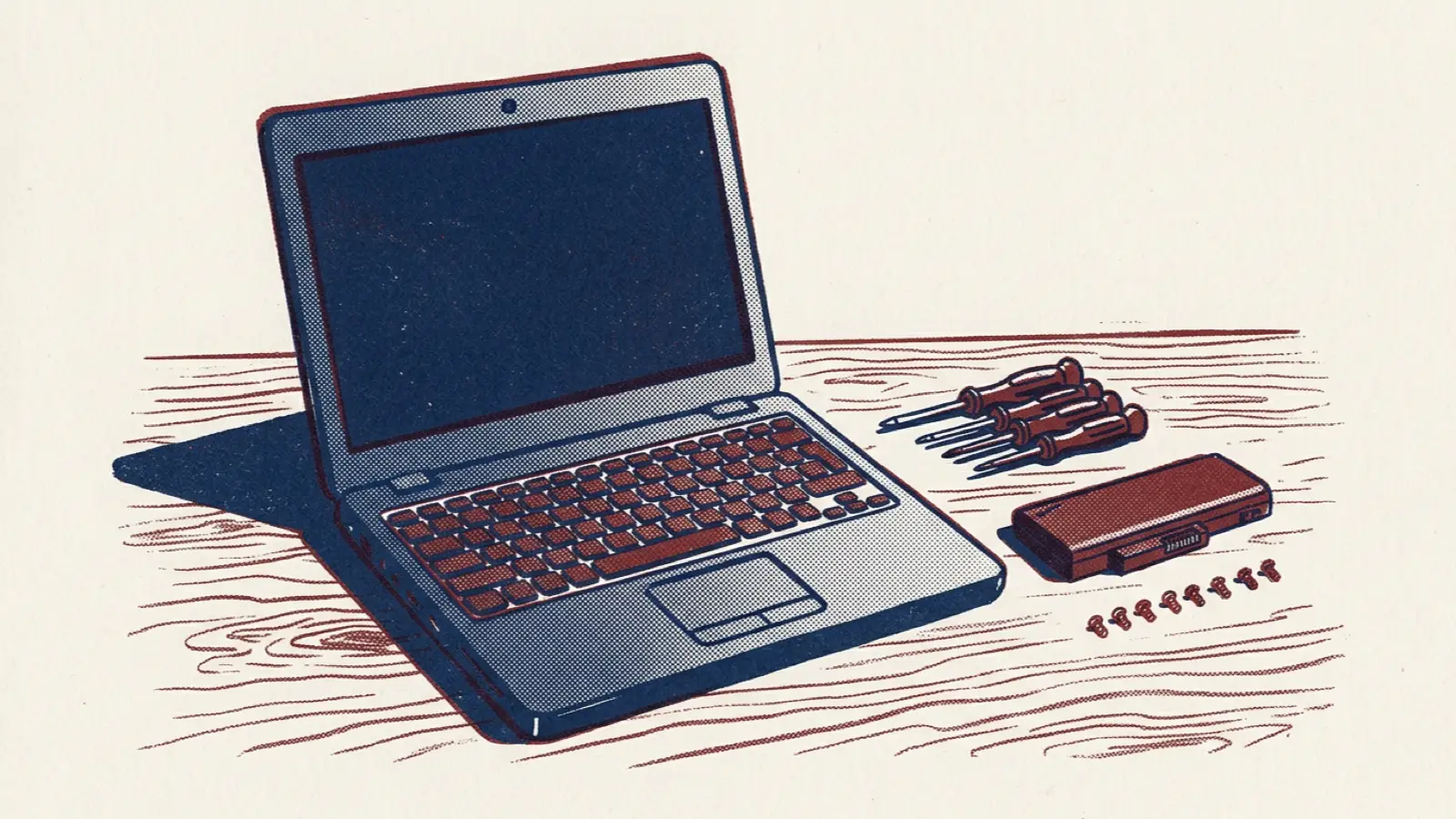
Ask most organisations about the environmental impact of their technology and they will talk about electricity: data centres, cloud providers and renewable energy tariffs. Those matter. But for many organisations, especially those whose technology runs mostly in the cloud, a large share of their IT footprint comes from something simpler: the devices people use every day.
Laptops, phones, monitors and tablets carry a substantial environmental cost before they are ever switched on. Manufacturers' own product carbon footprint reports often show that, for a typical laptop, most of its lifetime emissions come from manufacturing and transport rather than use. Every time a working device is replaced early, that cost is paid again.
This article explains why extending device life is one of the most effective green IT actions, and how to do it well.
Why device life matters so much
Manufacturing dominates
Making a laptop involves mining and processing metals, producing chips and screens, and shipping components around the world. Once it is in use, a modern laptop uses relatively little electricity. So the longer a device stays in service, the more its manufacturing footprint is spread out, and the fewer new devices need to be made.
Fixed refresh cycles waste working devices
Many organisations replace laptops on a fixed cycle, often every three or four years, regardless of condition. A well-built laptop that still meets its user's needs may have years of useful life left.
E-waste is growing
Electronic waste is one of the fastest-growing waste streams globally, and only a portion is formally recycled. Devices kept in use longer, and reused when they leave the organisation, reduce that burden.
How to extend device life
Replace on condition, not age
Move from a fixed refresh cycle to one based on condition and need. A device should be replaced when it no longer meets its user's needs, cannot be repaired economically or is no longer supported with security updates, not simply because it has reached a certain age.
Different roles need different things. A designer working with large files may need a more powerful machine sooner than someone who mainly uses email and documents.
Repair before replacing
Many faults that lead to replacement are repairable: worn batteries, damaged screens, failing keyboards, insufficient memory or storage. Repairs are usually cheaper than replacement and avoid most of the manufacturing footprint of a new device.
- Keep common spare parts in stock or have a fast repair arrangement with suppliers.
- Train IT staff to carry out simple repairs.
- Track repair-versus-replace decisions.
Buy for longevity
Durability starts at purchase. When choosing devices, consider:
- Repairability: can batteries, storage and memory be replaced?
- Build quality and expected lifespan.
- Length of security update support from the manufacturer.
- Availability of spare parts over several years.
Refresh software, not hardware
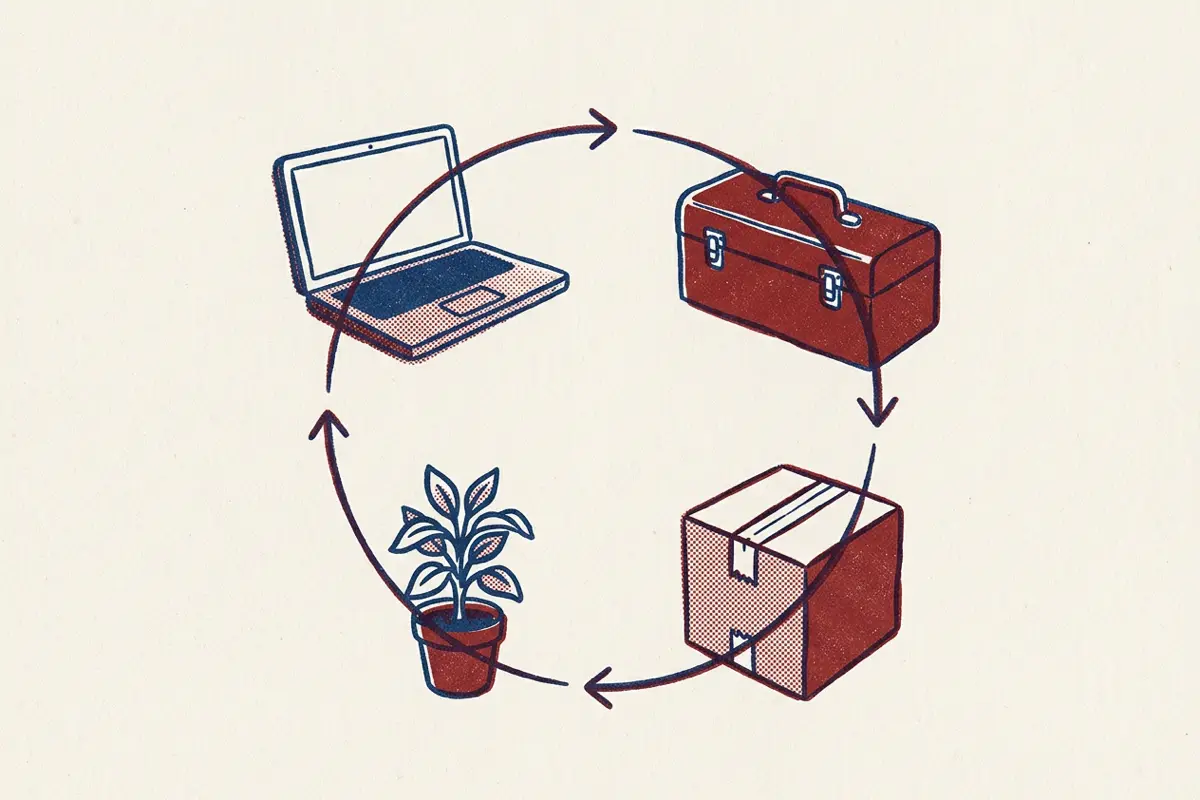
A slow laptop is often a software problem. Reinstalling the operating system, removing unnecessary software and upgrading storage can make an older device feel new.
Redeploy and reuse
When a device no longer suits one person, it may suit another. Redeploy within the organisation where possible. When devices leave, wipe them securely and send them for reuse, through refurbishers, charities or schools, before recycling.
Recycle responsibly
Devices that genuinely cannot be reused should go to certified recyclers who can show where materials end up. Keep records of what was recycled and how.
Managing the concerns
"Staff will be unhappy with older devices"
Explain the reasons, involve staff in the change, and make sure anyone who genuinely needs a more powerful device can get one. Many people are happy to keep a device that works well, especially when they understand the environmental benefit.
"Older devices are a security risk"
Devices must continue to receive security updates. Set clear criteria: when a device can no longer be patched, it is replaced. Within that limit, age alone is not a security risk.
"Repairs cost money"
Repairs and refurbishment usually cost far less than new devices, and longer refresh cycles reduce capital spending. Many organisations find that extending device life saves money as well as carbon.
Measuring progress
Track a few simple measures:
- Average age of devices at replacement.
- Proportion of devices repaired rather than replaced.
- Proportion of retired devices reused rather than recycled.
- Estimated carbon avoided, using manufacturers' product footprint data.
How mature is your green IT practice?
Device life is one part of a wider picture that includes energy and carbon management, cloud and infrastructure efficiency, software sustainability, measurement and reporting, and procurement.
The Green IT / Sustainable Technology assessment covers all of these, including hardware lifecycle and e-waste. It shows whether your technology's environmental impact is unmeasured, actively managed, or built into every decision.
Frequently asked questions
How long should a laptop last?
With good build quality, repairs and software maintenance, many business laptops can serve well for five years or more. The right point to replace depends on the user's needs, repair costs and whether security updates are still available.
Is buying refurbished devices a good idea?
Often, yes. Refurbished devices from reputable suppliers avoid most of the manufacturing footprint of new ones and can offer good value, provided they meet your security and support requirements.
What about phones and monitors?
The same principles apply. Monitors in particular often last many years and rarely need replacing on a fixed cycle. Phones benefit from battery replacement and protective cases.