Risk & Compliance · 4 min read
Data Retention Schedules: How to Stop Keeping Everything Forever
Most organisations keep far more data than they need, for far longer than they should. It costs money, increases risk and often breaks data protection law. A practical retention schedule fixes that.
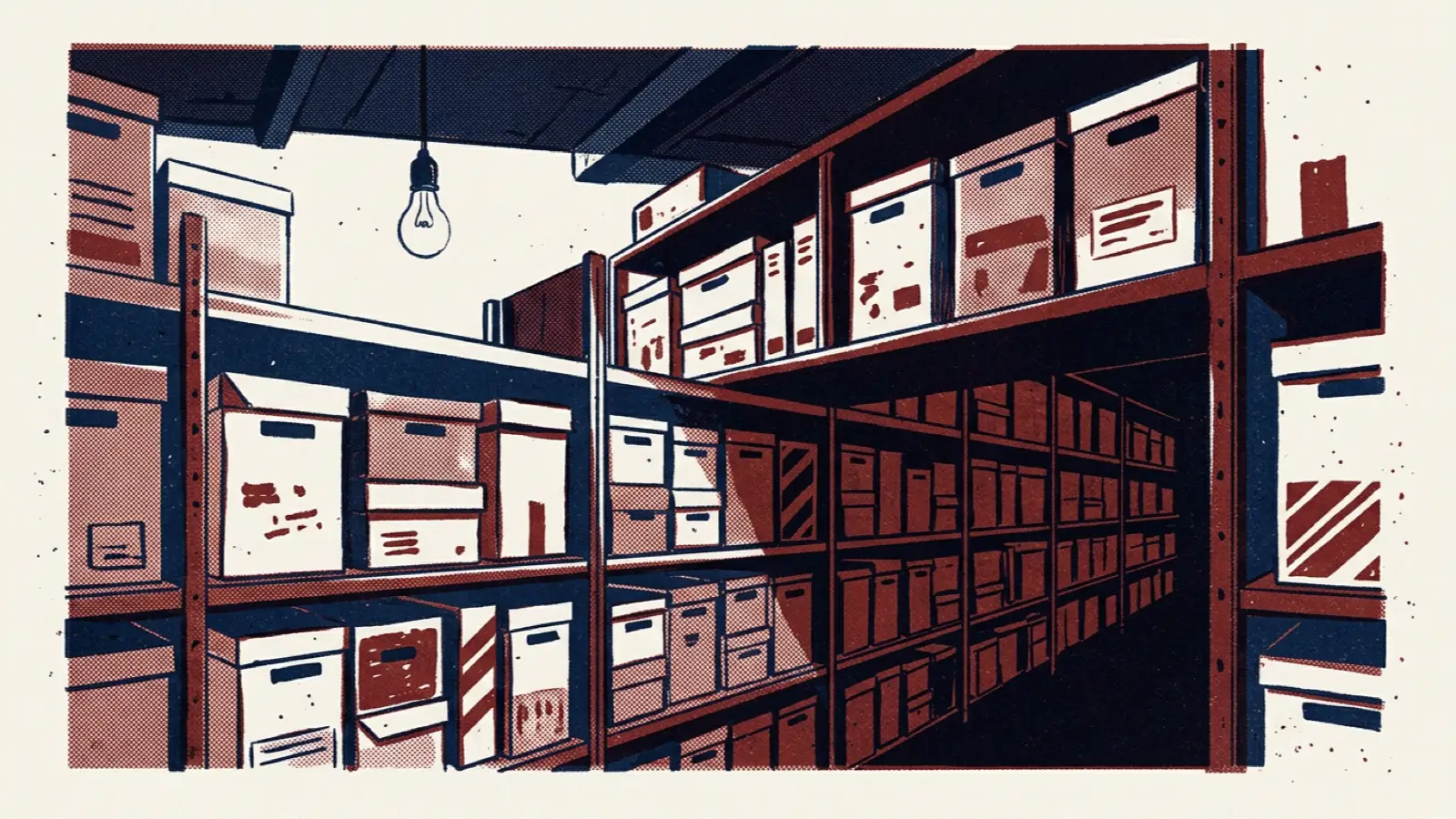
Storage is cheap, and deleting things feels risky. So most organisations keep almost everything: years of emails, old customer records, former employees' files, copies of databases in test environments, spreadsheets saved in personal folders. It all accumulates quietly.
That habit has real costs. Every record you keep is something that could be breached, must be searched in response to a legal request, needs to be protected, and in many cases should not legally be held at all. Data protection laws in many jurisdictions require that personal data is kept no longer than necessary for its purpose.
A data retention schedule sets out how long each type of record should be kept and what happens at the end of that period. This article explains how to build one that works in practice, not just on paper.
Why retention matters
- Legal compliance. Many laws require certain records to be kept for minimum periods, and data protection laws require personal data to be deleted when no longer needed.
- Reduced breach impact. Data you no longer hold cannot be stolen.
- Lower costs. Less storage, fewer backups, faster systems.
- Easier legal and rights requests. Finding information for a dispute, investigation or subject access request is quicker when there is less of it.
- Better data quality. Old, inaccurate records clutter systems and mislead analysis.
Step 1: Inventory your records
You cannot set retention periods for data you do not know you have. Start with the main categories of records, organised by business function:
- Customers: accounts, transactions, correspondence, complaints.
- Employees: recruitment, contracts, payroll, performance, absence.
- Finance: invoices, accounts, tax records.
- Operations: contracts, project files, quality records.
- Technology: logs, backups, test data.
For each category, note where it is held, who owns it and whether it contains personal data. A record of processing activities, if you maintain one, is a good starting point.
Step 2: Decide how long to keep each category
For each category, consider:
- Legal and regulatory requirements, such as tax, employment, health and safety or sector-specific rules that set minimum periods.
- Contractual obligations, including what you have agreed with customers or partners.
- Limitation periods for potential legal claims.
- Business need: how long the records are genuinely useful.
- Data protection: for personal data, the shortest period that meets the needs above.
Record the retention period, the trigger that starts it (for example, "end of contract" or "date of last transaction"), and the reason. Take legal advice for the categories where requirements are unclear.
Step 3: Decide what happens at the end
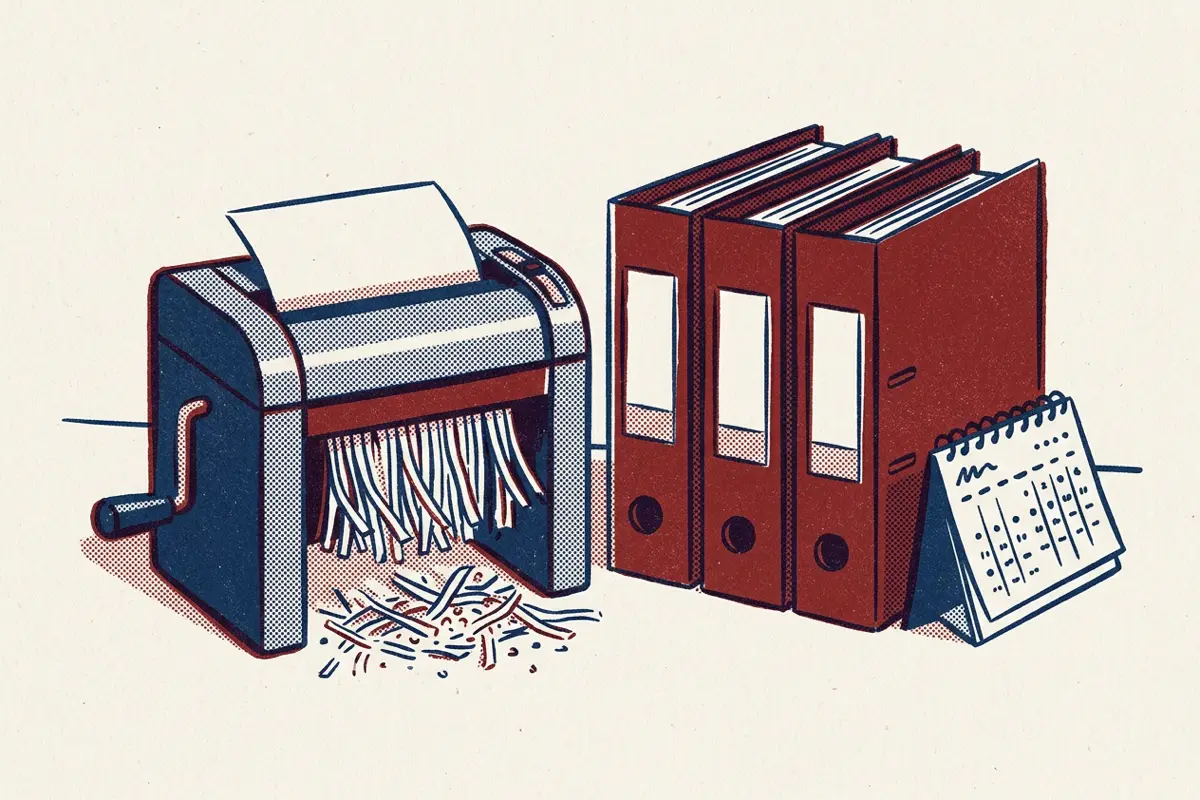
At the end of a retention period, records might be:
- Deleted or destroyed, securely.
- Anonymised, so that they can still be used for analysis without identifying anyone.
- Archived, for records with long-term value, with restricted access.
- Reviewed, for categories where a decision is needed case by case.
Step 4: Handle legal holds
When litigation, an investigation or a regulatory inquiry is expected, relevant records must be preserved even if their retention period has passed. Have a simple process for issuing, tracking and lifting legal holds, and make sure deletion processes respect them.
Step 5: Make deletion actually happen
This is where most retention schedules fail. A beautifully written schedule that nobody applies changes nothing. To make it real:
- Automate where possible. Configure systems to delete or flag records when retention periods expire. Many modern platforms support retention rules.
- Assign owners. Each record category needs someone responsible for making sure the schedule is applied.
- Schedule regular clean-ups for systems that cannot automate, such as shared drives and email.
- Remember the copies. Backups, test environments, exports, spreadsheets and data shared with suppliers all need to follow the schedule too.
- Verify. Check periodically that deletion is happening, and keep a record of what was deleted and when.
Step 6: Keep it simple and communicate it
A schedule with hundreds of categories is hard to use. Group records sensibly, write in plain language, and make the schedule easy to find. Explain to staff why retention matters, and what they need to do, particularly for records they hold personally.
Common pitfalls
- "Keep forever, just in case." The most common default, and the one that creates the most risk.
- Forgetting unstructured data. Email, shared drives and collaboration tools often hold more personal data than core systems.
- Ignoring suppliers. Data held by processors on your behalf should follow your schedule.
- No review. Laws, systems and business needs change. Review the schedule at least every couple of years.
Retention as part of privacy and data governance
Retention sits at the meeting point of privacy and data governance. Privacy teams care about not keeping personal data longer than necessary; data governance teams care about ownership, quality and lifecycle management. Our article on data governance without the bureaucracy covers how to establish ownership for critical data.
The Privacy & Data Protection assessment includes data lifecycle and retention alongside governance, consent, individual rights, privacy by design and third-party data.
Updated October 2026: our new Data Governance assessment covers data lifecycle management as part of a broader look at accountability, standards, quality, metadata and access.
Frequently asked questions
How long should we keep employee records?
It depends on the type of record and local law. Payroll and tax records often have statutory minimum periods; other records, such as unsuccessful job applications, should usually be deleted much sooner. Check the requirements that apply where you operate.
Do retention rules apply to backups?
Yes. Backups should either follow the retention schedule or have a clear, limited lifespan, with a process for making sure deleted records are not restored into live use.
What is the difference between archiving and retention?
Retention is about how long records are kept. Archiving is one option at the end of active use: moving records with long-term value to secure, restricted storage, where they remain subject to the schedule.